Quest · Canvas
Canvas — infinite room to think, with live work on it
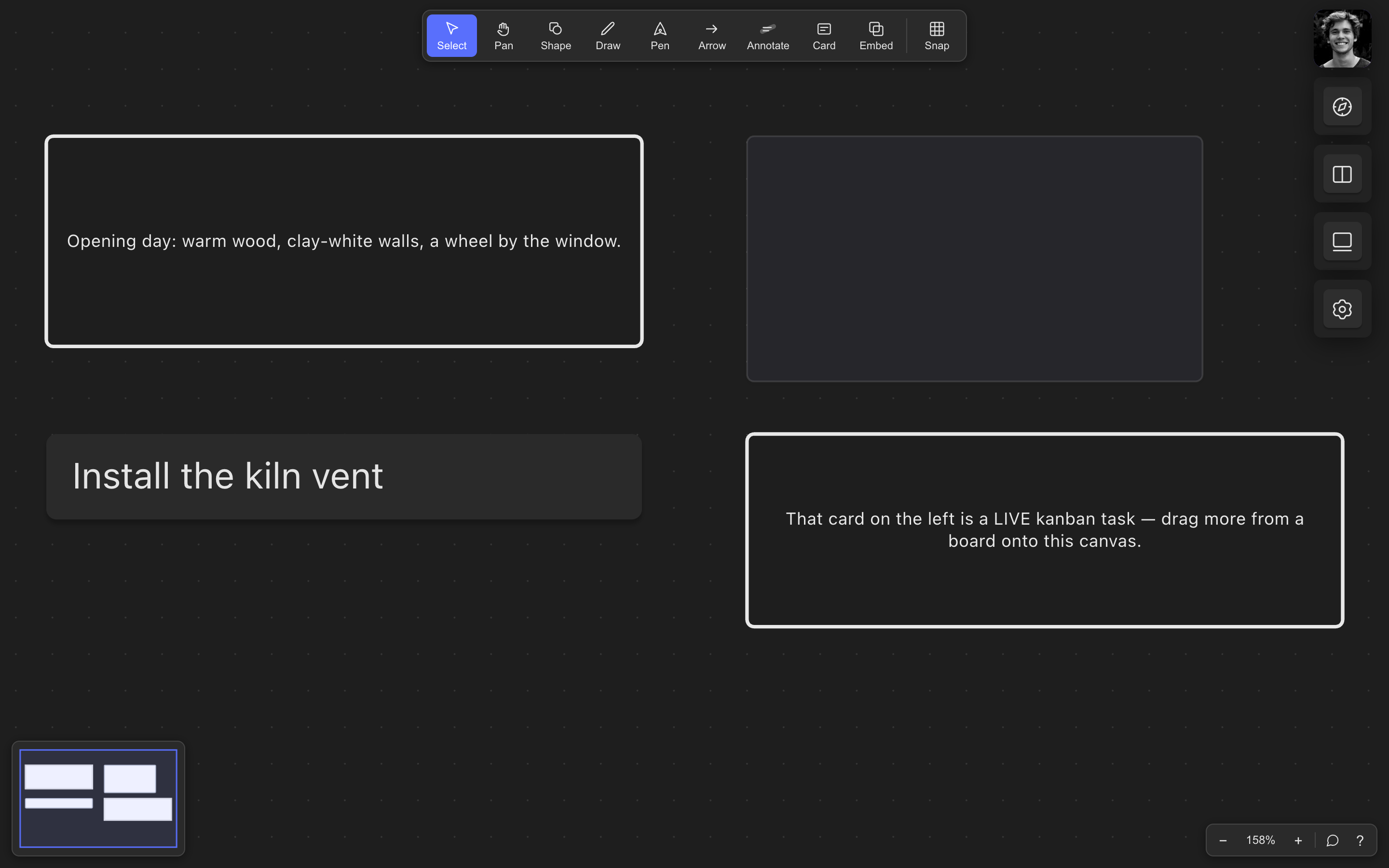
Every whiteboard app gives you infinite space. Only this one lets your actual tasks and goals live on it — editable, in sync, not pasted screenshots.
Feels like: Excalidraw or tldraw, if the sticky notes were your real work.
How it compares
| Quest | Miro | Excalidraw / tldraw | Milanote | Obsidian Canvas | |
|---|---|---|---|---|---|
| Live embeds of real tasks/goals | ✓ | — | — | — | — |
| Works fully offline | ✓ | — | ✓ | — | ✓ |
| Unlimited boards free | ✓ | 3 boards | ✓ | 100 notes | ✓ |
| Shapes, freehand & rich text | ✓ | ✓ | ✓ | Cards only | Basic |
| Cross-device sync built in | ✓ | ✓ | Paid / DIY | ✓ | Paid |
| Part of a linked task suite | ✓ | — | — | Tasks inside | Plugins |
Competitor capabilities as publicly documented, July 2026 — check theirs for current details.
vs Excalidraw / tldraw
The best drawing feel on the web, and we mean that as fans. But they’re islands — you paste in copies of work that immediately go stale. A Quest embed is the real thing: change the task on the board and the canvas card updates live, and vice versa. And your boards sync across devices without standing up your own server.
vs Obsidian Canvas
Obsidian’s canvas links notes; Quest’s canvas links *everything* — notes, shapes, drawings, plus live tasks and goals from the other apps, synced across devices without extra plugins.
What you get
Two-way live embeds
Drag a task or goal onto the canvas. Edit it there or in its home app; both sides update in front of you.
Real drawing tools
Shapes, freehand, pens, arrows, connectors, rich-text cards — sketch the vision around the work.
Built for concurrent editing
Card content rides an operation log designed for simultaneous edits, on the suite’s offline-first sync.
Light and dark, natively
The canvas follows the platform theme — no washed-out embeds.
Works with Kanban and Goals — everything links into one graph.