Quest · Kanban
Kanban — boards that work offline
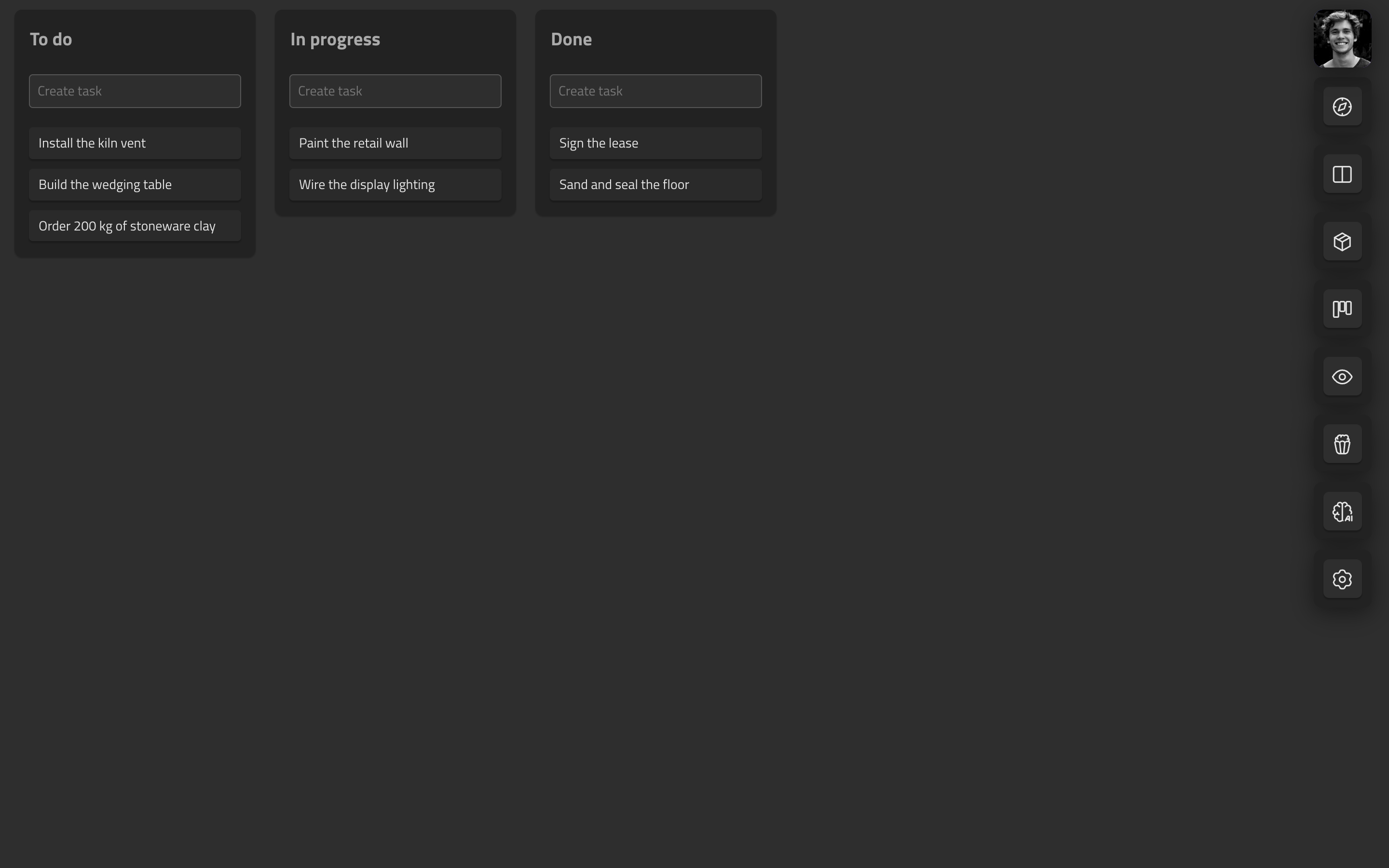
Projects, boards, columns, tasks — the mechanics you already know from Trello or Asana. What’s different is what’s underneath.
Feels like: Trello’s directness, without the plugin maze.
How it compares
| Quest | Trello | Asana | Notion | |
|---|---|---|---|---|
| Works fully offline | ✓ | Partial | — | Partial |
| Every board feature free | ✓ | — | — | — |
| Tasks live on a canvas | ✓ | — | — | — |
| Goal timeline in the suite | ✓ | — | Paid | DIY |
| Attachments in an encrypted vault | ✓ | — | — | — |
| Full export, no lock-in | ✓ | ✓ | Partial | Partial |
Competitor capabilities as publicly documented, July 2026 — check theirs for current details.
vs Trello / Asana
Those live and die by your connection. Quest writes every change to your device first — the board works identically on a train, a plane, or campus wifi at 8:59am. And your tasks aren’t trapped in the board: drag one onto a canvas and it stays live.
vs Notion boards
Notion’s boards are database views — powerful, heavy, online. Quest’s boards are purpose-built: one-keystroke task capture, instant drags (fractional positions — moving a card writes one field), no page-load spinner between you and your plan.
What you get
Instant drag-and-drop
Reordering writes a single position value, so drags feel native and sync costs almost nothing.
Offline-first by default
Create, edit, move with zero network. Changes queue locally and replay on reconnect; per-field CRDTs resolve conflicts without merge dialogs.
Tasks that travel
Drop any task on the canvas: it becomes a live embedded card. Edit either side, both update.
Attachments from your vault
Attach files straight onto a card — thumbnail chips on the task, a paperclip on the board. Uploads land in your encrypted vault, versioned like everything else.
Nothing is ever hard-deleted
Every delete is soft. Fat-finger a task at 2am and it’s recoverable.
Works with Goals and Canvas and Vault — everything links into one graph.